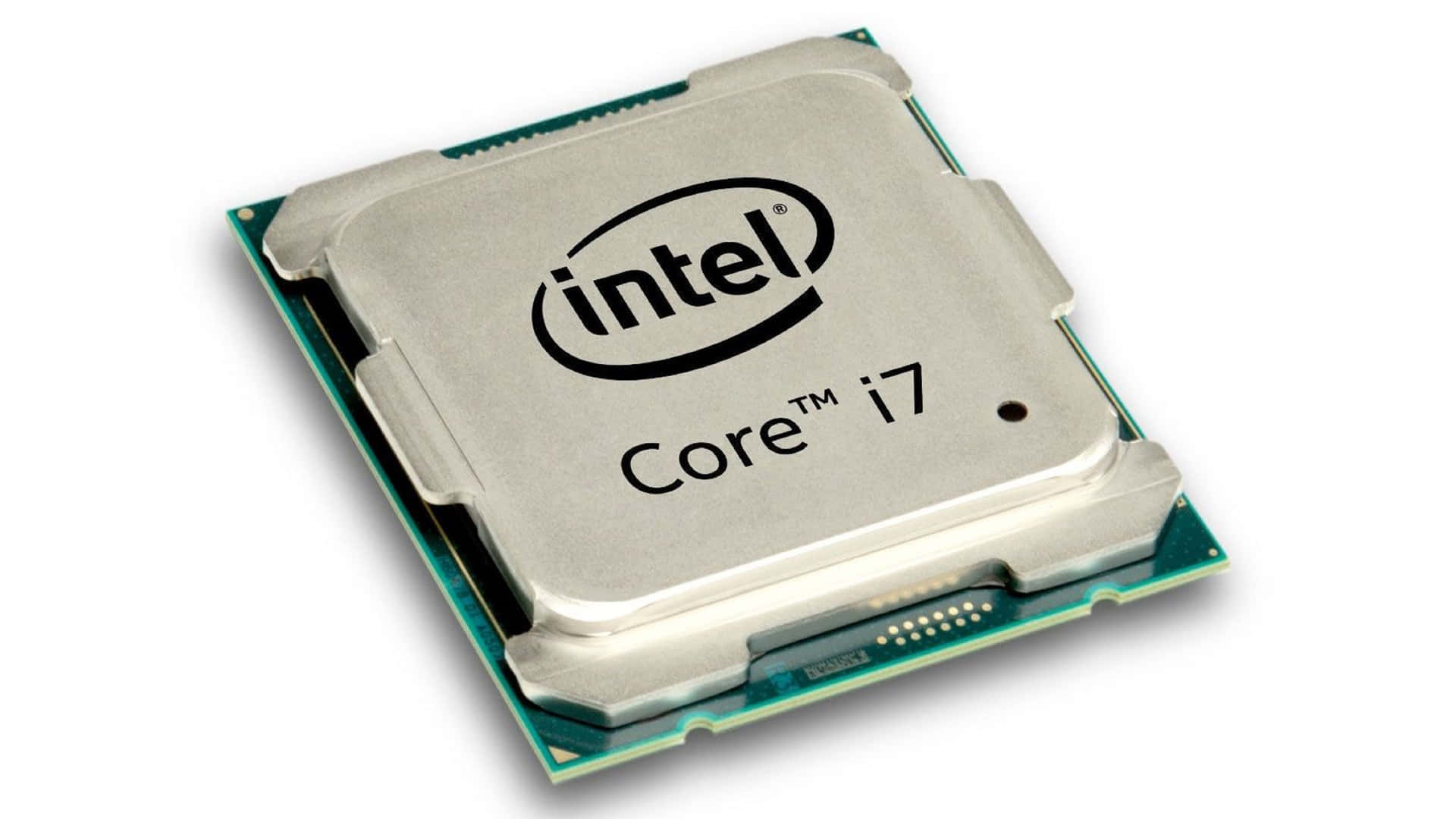
Modern computers play an essential role in everyday life, from professional work and education to gaming, business operations, and entertainment. At the heart of every computer is a processor that handles instructions, performs calculations, and manages different tasks.
Choosing the right processor can significantly affect a computer's speed, efficiency, and overall performance. Among the leading names in computer technology, Intel has established itself as a major manufacturer of processors designed for different computing needs.
Understanding processor technology helps users make informed decisions when purchasing or upgrading a computer. Whether someone needs a reliable laptop for everyday activities or a powerful desktop for demanding applications, processor specifications and capabilities deserve careful consideration.
Understanding the Role of a Computer Processor
A computer processor, commonly known as the central processing unit (CPU), is responsible for executing instructions and processing information. It communicates with other hardware components, including memory, storage devices, and graphics systems, to ensure that the computer operates smoothly.
The processor handles numerous activities, such as opening applications, running software, browsing websites, editing documents, and performing complex calculations. Its performance influences how quickly a system responds to commands and how efficiently it manages multiple applications.
Modern processors contain multiple cores that allow them to handle several tasks simultaneously. They also use advanced technologies to improve processing speed, reduce energy consumption, and maintain system stability.
Performance and Processing Speed
Performance is one of the most important factors when evaluating a computer processor. Processing speed determines how quickly a CPU can execute instructions, although overall performance also depends on architecture, core count, cache memory, and power management.
Clock speed, measured in gigahertz (GHz), indicates how many cycles a processor can perform each second. Higher clock speeds can improve performance in applications that benefit from fast individual cores. However, clock speed alone does not determine which processor is better.
Core count is another important specification. A processor with multiple cores can distribute workloads across different processing units. This is particularly useful for video editing, software development, 3D rendering, and multitasking.
Intel Processors are available in different performance categories, making it possible for users to select hardware according to their requirements and budgets.
Different Processor Categories for Various Users
Not every computer user requires the same level of processing power. Some people primarily browse the internet, while others work with professional software or demanding games. Manufacturers therefore offer processors across multiple performance levels.
Common Intel processor families include:
Intel Core 3: Designed for everyday computing, including browsing, document editing, and basic productivity.
Intel Core 5: Suitable for multitasking, office applications, entertainment, and general professional workloads.
Intel Core 7: Offers higher performance for demanding applications, advanced multitasking, and content creation.
Intel Core 9: Designed for users who need powerful computing capabilities for intensive workloads and high-performance gaming.
Intel Xeon: Developed for professional workstations and server environments that require reliability and specialized computing capabilities.
Intel has also introduced its Core Ultra branding for newer processor platforms, bringing together performance, integrated graphics, and AI-focused capabilities in supported systems.
Understanding these categories makes it easier to identify a processor that matches specific computing requirements.
Innovation in Modern Processor Technology
Processor technology continues to evolve as software applications become more demanding. Manufacturers are constantly improving chip architecture, manufacturing processes, and power management to deliver better computing experiences.
One important development is hybrid architecture. Some modern processors combine performance cores with efficiency cores. Performance cores handle demanding activities, while efficiency cores manage background processes and lighter workloads.
This arrangement helps improve multitasking while maintaining better power efficiency.
Another important innovation is artificial intelligence acceleration. Certain modern processors include dedicated neural processing units (NPUs) designed to handle supported AI workloads. These capabilities can support features such as background effects during video calls, image processing, and other AI-assisted applications.
These developments demonstrate how Intel Processors are adapting to the changing requirements of modern computing.
Integrated Graphics and Gaming Capabilities
Graphics performance is another important consideration when choosing a processor. Many modern CPUs include integrated graphics, allowing computers to display images and run supported graphical applications without requiring a separate graphics card.
Integrated graphics are useful for everyday activities, including video streaming, web browsing, presentations, and light gaming. They also help reduce hardware costs and power consumption in systems that do not require dedicated graphics performance.
However, users interested in demanding games, professional video editing, or advanced 3D applications may benefit from a dedicated graphics card.
The combination of a capable processor and a suitable graphics card can provide a balanced system for gaming and creative workloads. Buyers should also consider memory capacity and cooling solutions when building a high-performance computer.
Power Efficiency and Thermal Management
Power efficiency has become increasingly important in modern computing. Laptop users need processors that deliver strong performance without quickly draining battery power. Desktop users also benefit from efficient hardware because it can reduce electricity consumption and heat generation.
Processor manufacturers use different technologies to manage power consumption. These include dynamic frequency adjustments, intelligent workload distribution, and advanced power management features.
Thermal management is equally important. When a processor becomes too hot, it may reduce its operating speed to protect itself from excessive temperatures. This process is commonly called thermal throttling.
A suitable cooling system helps maintain stable performance. Desktop computers may use air or liquid cooling, while laptops rely on carefully designed internal cooling systems.
Selecting compatible cooling hardware and ensuring proper airflow can help extend component lifespan and improve system reliability.
Choosing the Right Processor for Your Needs
Before purchasing a computer, users should consider how they intend to use it. A processor that works perfectly for office activities may not provide the performance required for professional video editing or advanced gaming.
Here are several factors worth considering:
Daily Usage: Basic users can choose an entry-level processor for browsing, emails, and document editing.
Professional Work: Business professionals and students may benefit from mid-range processors that support multitasking.
Gaming Requirements: Gamers should consider clock speeds, core counts, graphics compatibility, and supported technologies.
Content Creation: Video editors and designers should prioritize strong multi-core performance and sufficient system memory.
Budget: Compare processor specifications and prices to find a suitable balance between performance and affordability.
It is also important to check motherboard compatibility, socket requirements, memory support, and processor generation before upgrading an existing computer.
About itnetworkstrade
Itnetworkstrade is a brand associated with computer technology and IT-related products. For customers exploring computer hardware, processors, and other technology solutions, having access to suitable products and reliable purchasing information can make the selection process easier.
Understanding hardware specifications and comparing available options helps individuals and businesses choose computing equipment that supports their everyday operations and long-term technology requirements.
Conclusion
Processors are essential components that determine how efficiently computers handle everyday activities and demanding workloads. From processing speed and core architecture to integrated graphics and power efficiency, several factors influence overall computing performance.
Understanding these features makes it easier to choose suitable hardware for personal, professional, and business requirements. Whether upgrading an existing system or purchasing a new computer, comparing specifications and checking component compatibility can help users make a confident investment in modern computing technology.