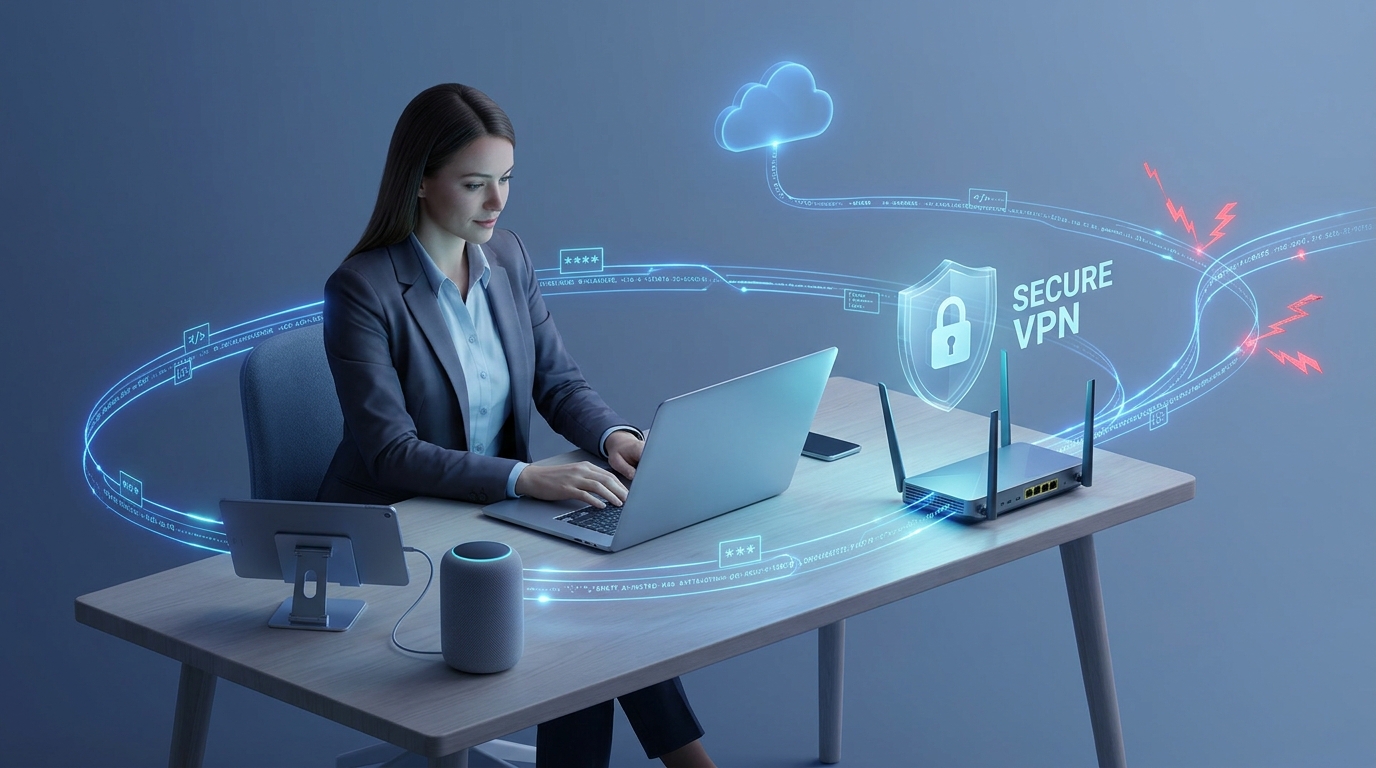
Remote work, smart home devices, online communication, and cloud-based services have made home networks more important than ever. Today, a typical household may have several laptops, smartphones, tablets, security cameras, smart TVs, and other connected devices operating through the same internet connection. While this level of connectivity offers convenience, it also creates additional security challenges.
Cybercriminals increasingly look for weaknesses in home networks, particularly when users access sensitive information remotely or connect through unsecured internet connections. Traditional Wi-Fi security alone may not provide sufficient protection against every online threat. This is where Virtual Private Network (VPN) technology becomes valuable.
A home VPN connection adds an important layer of protection by encrypting internet traffic and helping users access network resources more securely. Whether someone works from home, manages smart devices, or needs access to personal files while travelling, a VPN can support safer digital communication. Understanding how this technology works can help homeowners make better decisions about their cybersecurity.
1. Understanding VPN Technology and Its Role in Home Networking
A Virtual Private Network, commonly known as a VPN, creates an encrypted connection between a user's device and a VPN server. Instead of sending information directly across the internet in an exposed form, the VPN establishes a protected tunnel through which data travels.
Encryption makes intercepted information significantly harder for unauthorized parties to understand. For example, when someone connects to a public Wi-Fi network at an airport or coffee shop, a VPN can help protect their internet traffic from certain types of interception.
In home networking, VPN technology serves two important purposes. First, it can protect outgoing internet traffic from a device. Second, it can provide secure remote access to a private home network.
These functions are related but different. A commercial VPN service generally routes internet traffic through an external VPN provider, while a home VPN server allows authorized users to connect back to their own home network.
Choosing the right approach depends on the intended purpose. Someone who wants additional privacy while browsing may prefer a commercial service, whereas a homeowner who needs access to a desktop computer, network storage, or smart home management system may benefit more from a VPN server configured on a home router or dedicated device.
2. How a Home VPN Connection Protects Sensitive Information
One of the biggest advantages of a home VPN connection is data encryption. Whenever users access work documents, personal accounts, financial platforms, or private files, their information needs appropriate protection during transmission.
A properly configured VPN encrypts traffic between the connected device and the VPN endpoint. This helps prevent unauthorized parties on the network from easily reading the transmitted information.
For example, imagine an employee working remotely from a hotel. They need to access company resources using the hotel's shared Wi-Fi. Without suitable protection, certain network-level attacks could expose information or interfere with communications. Connecting through an approved VPN creates an encrypted pathway that helps reduce these risks.
VPN technology also masks the user's original IP address from websites and services when traffic is routed through an external VPN server. This can provide an additional level of privacy, although it does not make someone completely anonymous online.
It is equally important to understand that VPN encryption is not a replacement for other security measures. Strong passwords, multifactor authentication, updated operating systems, and reputable security software remain essential.
When these protections work together, households can create a stronger foundation for everyday online safety.
3. Secure Remote Networking for Work and Personal Access
Remote access is one of the most useful applications of VPN technology. Many people need to reach their home computers, shared folders, network storage devices, or other private resources when they are away from home.
Without a secure solution, users may be tempted to expose remote desktop services or administrative interfaces directly to the internet. This can create unnecessary security risks, particularly when devices have weak passwords or outdated software.
Secure remote networking offers a safer alternative by allowing authorized devices to establish an encrypted connection before accessing private network resources.
For instance, a homeowner travelling for business may need an important document stored on a computer at home. With a properly configured home VPN server, they can connect to their private network and access the file without making the computer's remote access service publicly accessible.
Businesses also benefit from this approach. Employees can connect to approved internal resources while working from different locations, helping organizations maintain more consistent access controls.
However, remote VPN access should be configured carefully. Users should have individual accounts where supported, strong authentication, and access permissions appropriate to their responsibilities. Unnecessary services should remain disabled, and VPN software should receive regular security updates.
4. Using a VPN for Home Network Security Across Connected Devices
Modern households often contain more connected devices than users realize. Smart cameras, video doorbells, voice assistants, televisions, gaming consoles, and home automation systems all communicate through the local network or internet.
Although these devices make everyday life easier, some may receive security updates less frequently than computers and smartphones. Others may have limited security settings or default credentials that homeowners forget to change.
A VPN for home network protection strategy can help improve how devices and users communicate, but its benefits depend on how the VPN is deployed.
For example, a VPN installed on a compatible router can route selected or all household internet traffic through an encrypted connection. This can help protect traffic leaving the home network, subject to the router's configuration and the VPN provider's capabilities.
A home-hosted VPN server provides a different benefit. It allows authorized users to connect to their home network remotely, making it easier to access private devices and services without exposing them unnecessarily to the public internet.
Homeowners should remember that a VPN does not automatically protect every connected device from malware, phishing, insecure applications, or compromised accounts.
For stronger protection, consider these additional practices:
Change default usernames and passwords on routers and smart devices.
Install firmware and software updates regularly.
Use WPA2-AES or WPA3 Wi-Fi security where supported.
Create a separate guest or IoT network for less-trusted devices.
Disable remote administration when it is not required.
Review connected devices and remove those no longer in use.
Combining these measures with an appropriate VPN configuration helps create a more secure and manageable home network.
5. Choosing and Configuring the Right VPN Solution
Selecting the right VPN depends on how a household uses its internet connection. Not every VPN service provides the same features, performance, privacy protections, or remote-access capabilities.
Before choosing a solution, identify the main requirement. If privacy while browsing on public Wi-Fi is the priority, a reputable commercial VPN provider may be appropriate. If accessing home computers and files remotely is the goal, a VPN server on a compatible router or dedicated device may be more suitable.
Security should always be a major consideration. Look for modern encryption protocols such as WireGuard or OpenVPN, reliable authentication options, clear privacy policies, and regular software updates.
Router compatibility also matters. Some internet service provider routers offer limited VPN functionality, while advanced routers provide built-in VPN server or client options. Checking the manufacturer's documentation before purchasing additional equipment can prevent compatibility problems.
Performance is another factor. VPN connections may introduce additional latency or reduce internet speeds because traffic must be encrypted and routed through another endpoint. The impact depends on the device, connection speed, server location, protocol, and network configuration.
For home-hosted VPN access, upload speed and internet availability at the home location are especially important. A reliable router, strong administrator credentials, and appropriate firewall settings also contribute to a successful setup.
If configuration becomes complicated, professional IT assistance can help identify the right equipment and establish secure access without disrupting normal household connectivity.
6. Best Practices for Maintaining Long-Term VPN Security
Installing a VPN is only the beginning of an effective security strategy. Like other networking technologies, VPN systems require regular maintenance to remain reliable and secure.
Start by keeping your router, VPN applications, and connected devices updated. Security updates frequently address vulnerabilities that attackers may otherwise exploit.
Next, use strong, unique passwords for VPN accounts and administrator access. Enable multifactor authentication whenever the solution supports it. Avoid sharing VPN credentials among multiple people when individual accounts are available.
It is also wise to review connection logs and access permissions periodically. Unexpected connection attempts, unfamiliar devices, or unusual activity may indicate that further investigation is necessary.
For home-hosted VPN servers, restrict access to trusted users and devices. Avoid unnecessary internet-facing services, and ensure that firewall rules permit only the connections required for normal operation.
Finally, remember that a VPN cannot replace good cybersecurity habits. Be cautious with suspicious email attachments, avoid unknown downloads, use trusted websites, and maintain backups of important information.
Consistent maintenance helps ensure that your VPN remains a useful part of your overall home network security strategy.
Conclusion
VPN technology has become an important tool for protecting modern home networks, particularly as remote work and connected devices continue to expand. By encrypting network traffic and enabling controlled remote access, VPN solutions can reduce certain security risks and make accessing private resources more convenient.
A properly configured home VPN connection can support safer browsing, while secure remote networking allows authorized users to reach home resources without unnecessarily exposing them to the internet. Choosing the right VPN for home network requirements, maintaining updated equipment, and following strong security practices are all essential for achieving meaningful protection.
At HomeIT Services, we believe that reliable home networking starts with understanding the technology behind it. Combining VPN protection with secure Wi-Fi settings, regular updates, strong authentication, and responsible device management can help households build a safer and more dependable connected environment.