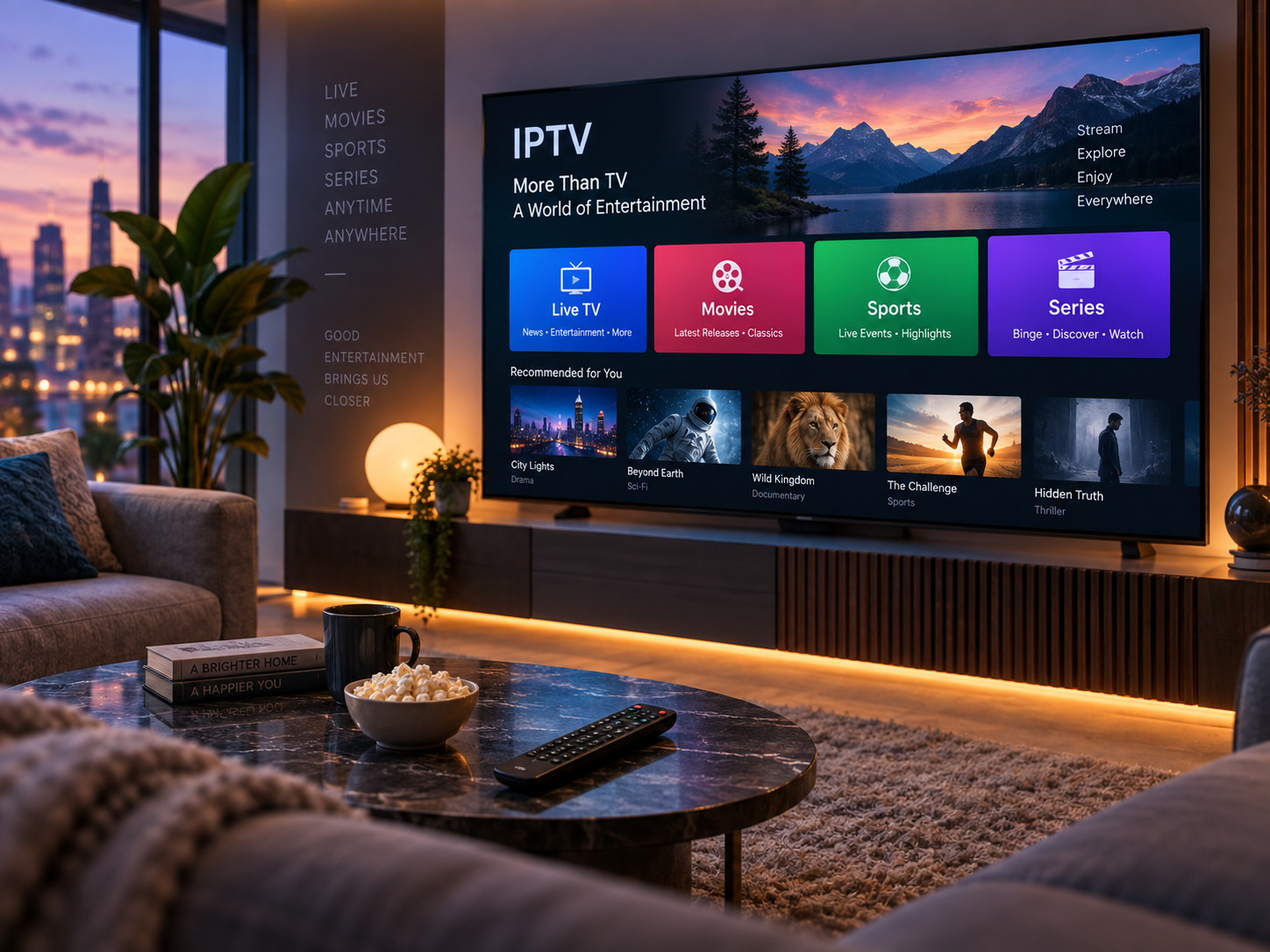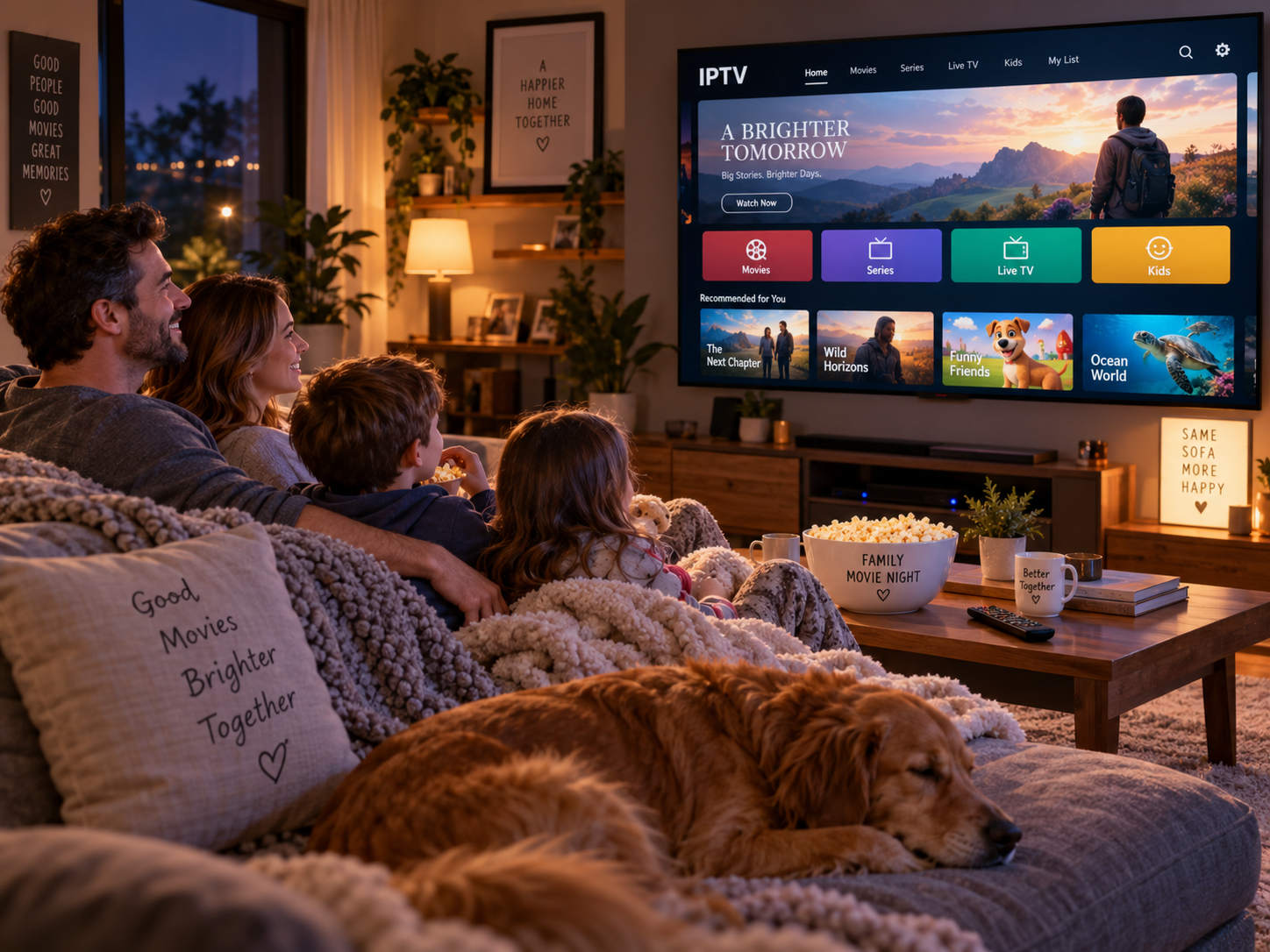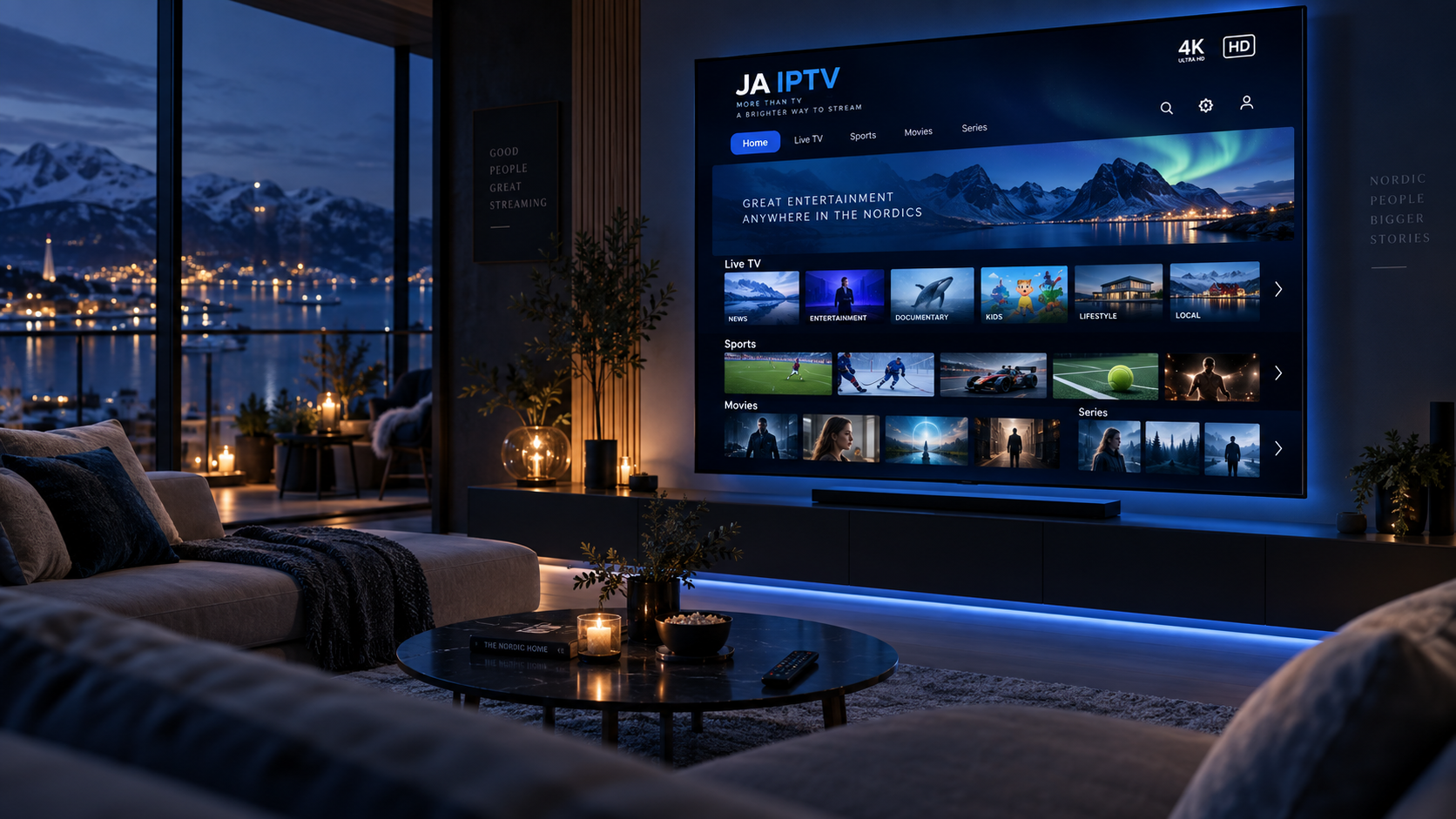
Watching television can be a different experience in every room of the same home. The living room might have a large smart TV with a strong internet connection, while a bedroom television may struggle with buffering or use a separate streaming device. Even when every screen provides access to similar content, differences in picture quality, sound, connectivity, and controls can make everyday entertainment less convenient.
Creating a consistent television setup does not necessarily mean buying identical devices for every room. Instead, it involves choosing compatible equipment, improving network reliability, adjusting settings, and making the overall system easier for everyone to use. With a few practical changes, households can enjoy a more predictable viewing experience throughout the home.
1. Start by Understanding Your Home Viewing Needs
Before changing equipment or purchasing additional devices, consider how people use television in different rooms. Planning your home viewing needs helps you identify which features matter most, whether that means a larger screen for family entertainment, a reliable connection in the bedroom, or simple controls for everyday use.
Think about the following questions:
Which rooms are used most often for television?
Do household members watch different programmes at the same time?
Are the existing televisions smart TVs, or do they require external streaming devices?
Does every room have reliable access to the home network?
Are the current remotes and applications easy for everyone to use?
Answering these questions helps identify practical priorities. It also prevents unnecessary spending on equipment that does not address the household's actual needs.
2. Improve Internet Coverage Throughout the Home
A reliable internet connection is one of the most important foundations of a consistent television setup. Even a high-quality television can experience buffering, reduced resolution, or interrupted playback when its network connection is weak.
Wi-Fi coverage may vary considerably between rooms. Thick walls, floors, furniture, appliances, and the distance from the router can all affect signal strength. A television located close to the router may stream smoothly, while another in an upstairs bedroom may struggle with the same service.
Start by checking streaming performance in each room at the times when television is usually watched. If problems repeatedly occur in one location, investigate the network before replacing the television itself.
Several improvements may help:
Reposition the router: Place it in a central, open location rather than inside a cabinet or behind large objects.
Use Ethernet where practical: A wired connection can provide more consistent performance for televisions near the router.
Consider a mesh Wi-Fi system: Mesh equipment can improve coverage across larger homes or multiple floors.
Check network congestion: Several simultaneous streams, downloads, and video calls can compete for available bandwidth.
The objective is to provide each television with a dependable connection, not simply to achieve the highest possible speed in one part of the house.
3. Choose Compatible Devices for Each Room
Households often use a mixture of smart TVs, streaming sticks, media boxes, and older televisions. This is not necessarily a problem, but compatibility differences can make the overall setup harder to manage.
When evaluating equipment for everyday entertainment, consider whether the devices support the applications and streaming formats the household needs. Check operating system compatibility, available storage, supported video resolutions, and the connectivity options required by each television.
Older screens can sometimes remain useful with an external streaming device, provided they have the appropriate connections and meet the device's requirements. This may be more economical than replacing every television at once.
However, not every device offers the same features. Some support advanced picture formats, while others may be limited to standard or high-definition playback. Application availability and update support can also differ.
For a more consistent experience, choose devices that provide the essential features your household uses most often. Similar interfaces and remote controls can make it easier to move between rooms without learning a completely different system each time.
4. Standardise Picture and Sound Settings
Different televisions may display the same programme with noticeably different brightness, colours, and contrast. Sound can vary just as much, particularly when one room has a soundbar and another relies on built-in speakers.
These differences are often caused by default settings rather than the quality of the content itself. Many televisions use vivid picture modes that increase brightness and saturation. Although these modes can look impressive in a brightly lit shop, they may not be comfortable for extended viewing at home.
To improve consistency, review the basic settings on each screen.
Adjust picture modes
Choose a natural picture preset, such as Standard, Cinema, or Filmmaker Mode, depending on the television and room conditions. The available names and effects vary by manufacturer.
Brightness should suit the room's lighting. A television in a bright living room may need a different setting from one in a darker bedroom, so identical numerical settings are not always the best choice.
Make sound easier to understand
Check dialogue enhancement, volume levelling, and audio output options where available. These features may help keep speech clear without making action scenes or advertisements unexpectedly loud.
If household members use different televisions, aim for a similar level of dialogue clarity and comfortable listening rather than trying to make every speaker sound identical.
5. Make Applications and Menus Easier to Navigate
A consistent television experience includes more than video quality. If one television opens directly to a familiar application while another displays an unfamiliar home screen full of recommendations, the household may find moving between rooms inconvenient.
Where possible, arrange frequently used applications in a similar order on compatible devices. Remove unnecessary shortcuts, organise favourites, and make sure everyone knows how to find live channels, on-demand programmes, and recently watched content.
It is also worth checking that applications are updated and supported by the devices on which they are installed. Older software may have missing features, performance issues, or compatibility limitations.
If a service requires a separate account or subscription, confirm the applicable device limits and simultaneous-streaming rules. Access on multiple screens does not automatically mean that every account supports watching different programmes at the same time.
A simple, familiar menu structure can reduce confusion and help household members use the television without repeatedly asking for assistance.
6. Plan for Different Viewing Habits
A household rarely uses every television in the same way. Some people prefer live television, while others mainly watch films, series, sports, or educational programmes. A good setup should accommodate these preferences without making the system unnecessarily complicated.
Consider the role of each room when choosing its equipment. A shared living room may benefit from a larger display and improved audio, while a guest room may only need a straightforward television with essential streaming features.
It is also helpful to think about simultaneous use. If several household members regularly watch different content, check whether the internet connection can support their combined streaming needs. Review the service's account rules and device restrictions before assuming multiple streams will work together.
Creating separate favourites or user profiles, where supported, can make recommendations and content discovery more relevant. These small adjustments can make the household's television system feel more organised without requiring identical equipment everywhere.
7. Keep Devices Updated and Maintain the Setup
Television equipment and streaming applications need occasional maintenance. Outdated software, limited device storage, and temporary network problems can affect performance over time.
Check for firmware and application updates periodically. Updates can improve compatibility, resolve bugs, and sometimes introduce useful features. Before updating older equipment, confirm that the update is supported and that the device has enough available storage.
If a television begins buffering or an application stops responding, use a simple troubleshooting process:
Check whether other devices in the same room have internet access.
Restart the affected application.
Restart the television or streaming device if necessary.
Test the connection and check for network congestion.
Confirm that the application and device software are up to date.
Avoid changing several settings at once. Testing one adjustment at a time makes it easier to identify the cause of a problem and reduces the chance of introducing new issues.
It can also help to keep a brief record of each television's network connection, connected accessories, and important settings. This is particularly useful when several screens are installed throughout a larger home.
8. Balance Consistency With Room-Specific Needs
A consistent setup should not require every room to look or function exactly alike. Lighting, seating distance, room size, and the purpose of each television all influence the ideal arrangement.
For example, a large screen may work well in a spacious living room but feel overwhelming in a small bedroom. A soundbar may be worthwhile in a main entertainment area, while lower-volume settings may be more appropriate in a room near sleeping areas.
The most effective approach is to standardise the things that improve convenience, such as application access, remote-control familiarity, reliable connectivity, and basic picture and sound quality. Then adjust individual settings to suit each room.
This approach creates a predictable experience while preserving flexibility. It also allows households to improve their setup gradually instead of replacing perfectly functional equipment simply to achieve uniformity.
Conclusion
Creating a more consistent TV experience across different rooms starts with understanding how the household watches television. Reliable internet coverage, compatible devices, sensible picture and sound settings, and familiar application menus can make everyday entertainment more convenient.
Regular maintenance and a little planning can also prevent small technical problems from becoming recurring frustrations. Rather than purchasing identical equipment for every room, focus on dependable performance and ease of use.
With the right balance of shared standards and room-specific adjustments, households can make television easier to enjoy throughout the home, whether watching a major live event in the living room or catching up on a favourite programme in the bedroom.